
Do you manage a Davidson College-affiliated social media account? This post is for you!
A Consistent Brand on Social
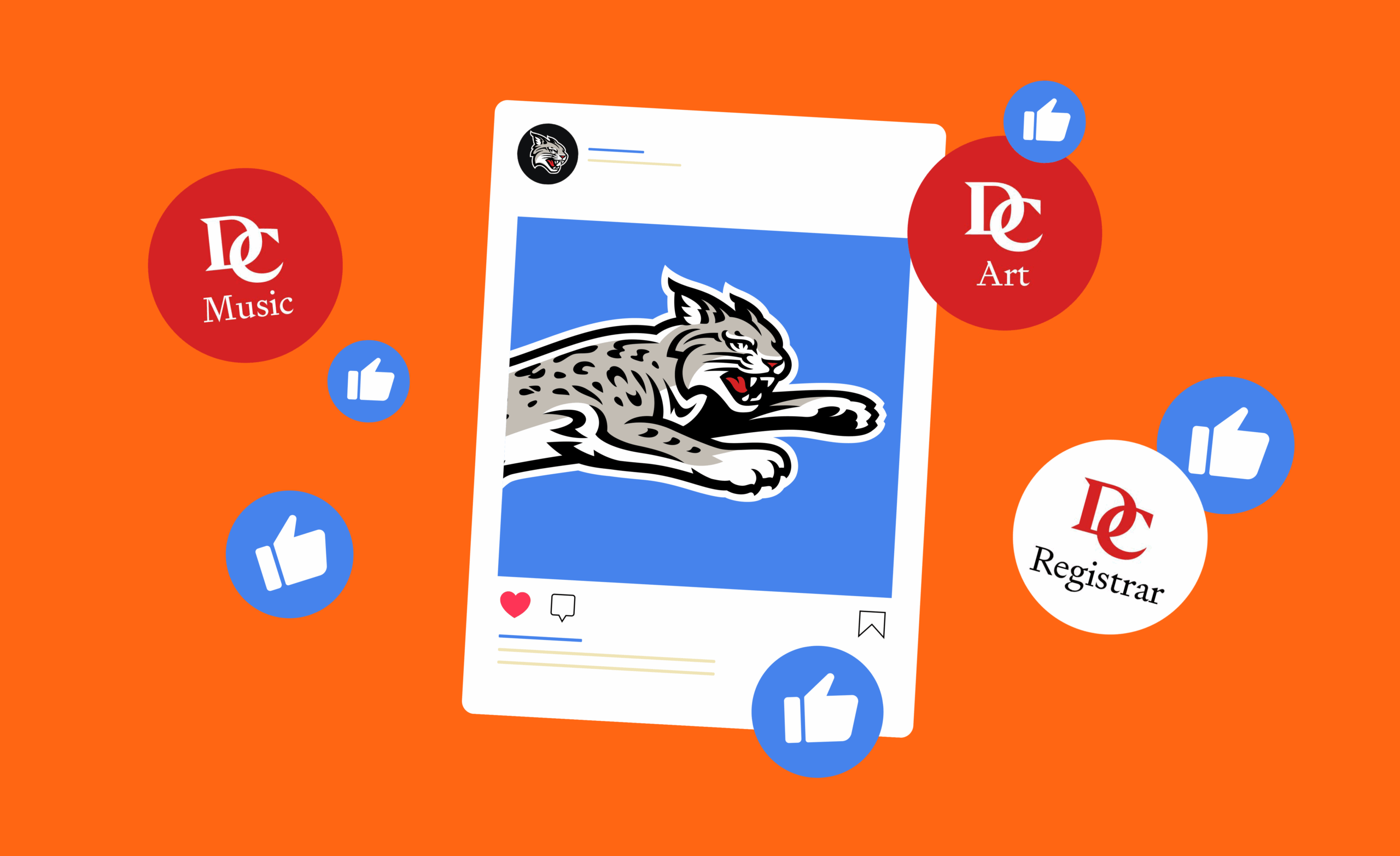
We ask that college-affiliated social media accounts uphold our brand standards. While you are not required to use a branded social media profile photo, we have prepared custom assets for all departments and services that are available for download.
These icons are tailored for each sub-brand and come in two versions: one with a red background and one with a white background. Some accounts have the option to use the wildcat head instead of the monogram.
What about black icons?
You may have noticed that some accounts use social media icons with a black background. These are reserved exclusively for the college’s primary accounts, like @DavidsonWildcats and @DavidsonCollege.
My office or service doesn’t have an icon available for download. What do I do?
If you’re setting up a new social media account and need a custom icon created, feel free to reach out to College Communications—we’re happy to help!
For more details on setting up social media accounts, please visit our Setting Up Social Accounts guide.
Can I use my icon in other places?
No, social media icons are scaled specifically for use on social platforms. They should not be used in place of the primary or sub-brand logos. If you have a special case or need assistance, reach out to College Communications.

Communications Corner
This blog is a resource for answers to frequently-asked questions and detailed insights into College Communications processes and services.
Got questions? We’re always here to help. Contact Zee Holmes at zeholmes@davidson.edu.